
How It Works
How It Works
From payment request to funds in your account — in three simple steps

Create a Payment Request
Staff opens the Terminal from any customer record, selects from 16 deposit types — slip, storage, work order, boat sale, and more — then sends a secure payment link via email with an optional custom message.

Customer Pays Online
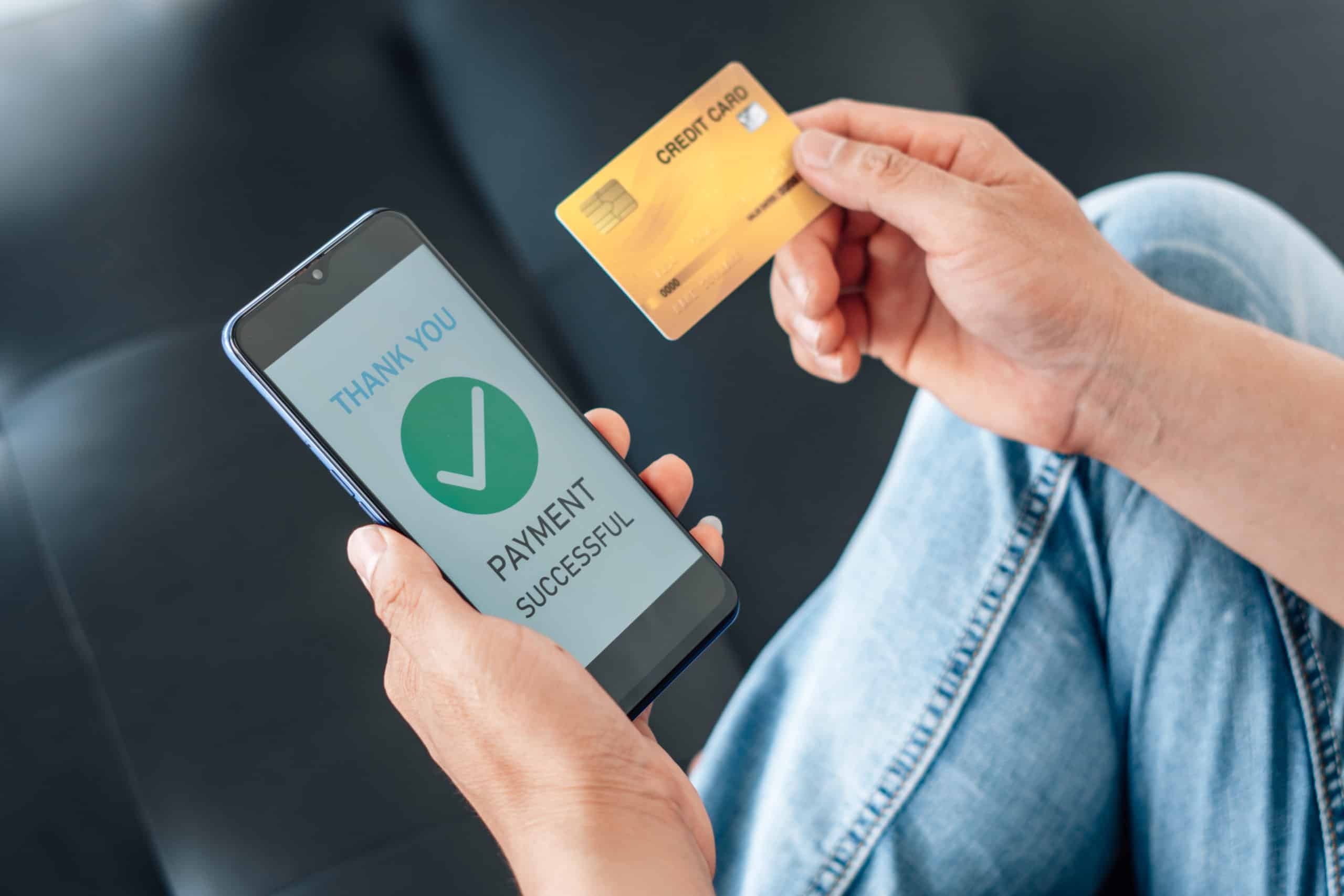
The customer clicks the link in their email — no login or account required. They select which invoices to pay, choose credit card or ACH, see an itemized fee breakdown, and complete payment with 3D Secure protection.
Payment Recorded Automatically
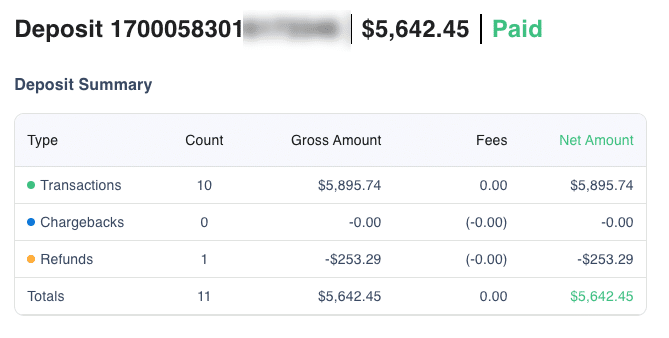
The payment flows into DockMaster automatically. Staff sees it in the Transactions dashboard in real time. Next-day funding gets the money into your bank account fast.
Everything You Need for Online Payments
Payment links, self-service checkout, transaction management, and refunds — all in one place
- One-click link generation from any customer record
- 16 deposit types: slip, storage, work order, boat sale, and more
- Customizable email subject and message
- Links expire automatically for security
- Token-based public access — no authentication needed
- Select specific invoices or pay all at once
- Credit card, debit card, and ACH accepted
- Available 24/7 from any device
- Filter by date, status, payment method, and customer
- Sort and search across all transactions
- Export filtered results to CSV for accounting
- Drill into individual transaction details and auth codes
- One-click refund with reason tracking
- Configurable convenience fees and surcharges
- Separate fee settings for credit card and ACH
- Itemized fee breakdown shown to customers before payment
Built for Marina Operations
DockMaster Payments handles the unique needs of marinas, service yards, and dealerships
The Terminal: Your Payment Request Hub
Create payment requests in seconds from any customer record
Open the Terminal from any customer detail screen to create a payment request. Choose from 16 deposit types — slip deposits, winter and summer storage, drystack, work orders, boat sales, reservations, wait list deposits, key deposits, and more. Set the amount, pick a location, add a custom message, and send the payment link in seconds.
No Login Required for Customers
Every payment link works without an account or password
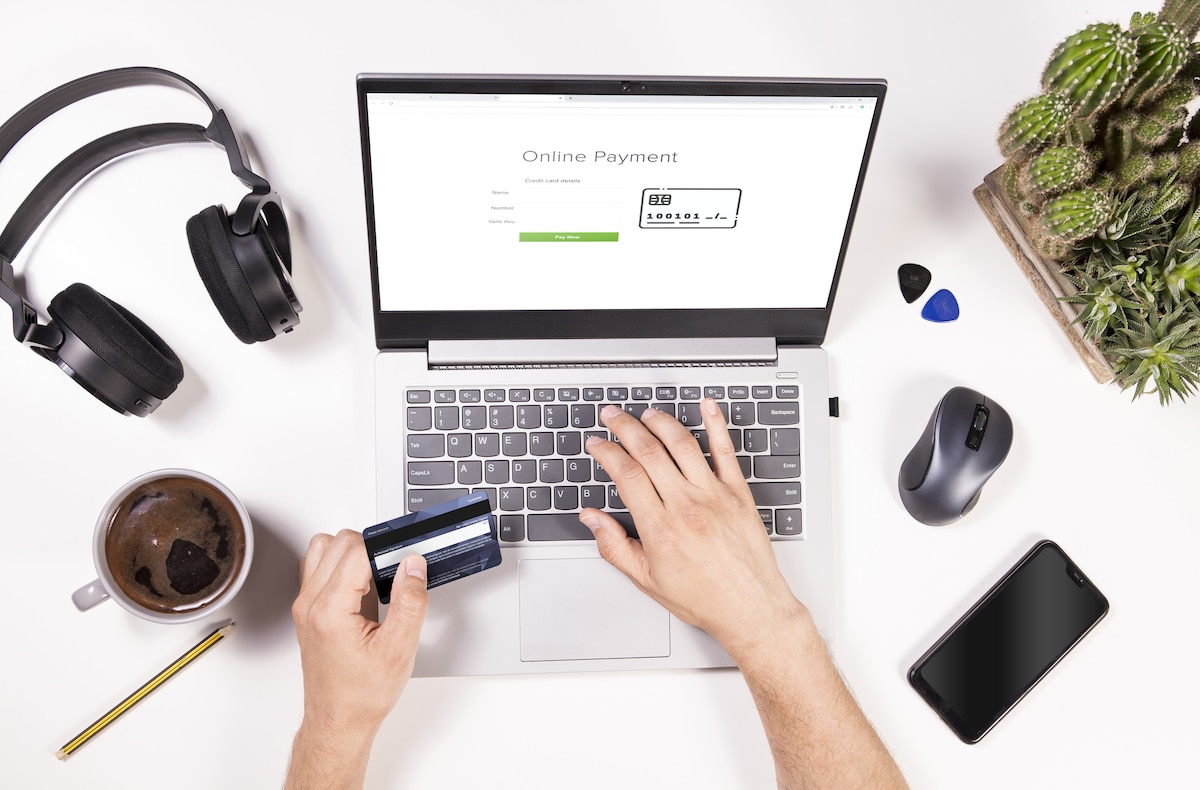
Each payment link generates a secure, time-limited token. Customers click the link from their email and land directly on the payment page — no account creation, no password, no friction. They see their invoices, select what to pay, choose their payment method, and complete the transaction from any device.

Flexible Payment Methods with 3D Secure
Accept cards and ACH with built-in fraud protection
Accept Visa, Mastercard, Discover, American Express, debit cards, and ACH bank transfers. Every card transaction is protected with 3D Secure authentication. Marinas control which payment methods to accept and can set maximum credit card payment limits per location.
Real-Time Transaction Dashboard
Full visibility into every payment across all locations
View all payment transactions in a filterable, sortable table. Filter by date range, status, payment method, customer, and more. Export filtered data to CSV for accounting and reconciliation. Click any transaction to see full details including authorization codes, batch data, timestamps, and internal staff notes.
Configurable Per-Marina Settings
Each marina location controls its own payment preferences
Configure payment settings per marina: which payment methods to accept, convenience fee and surcharge rates (separate for credit card and ACH), past-due invoice warnings with up to three configurable tiers, maximum credit card amounts, billing address requirements, and which deposit types are available to staff.
Explore Related Solutions
Discover more DockMaster solutions for your marine business

Process transactions efficiently with our integrated POS system designed for marine businesses.
Learn more →
Manage every aspect of your marina with our integrated solution for reservations, billing, and more.
Learn more →
Manage accounting, billing, and financial reporting with our integrated solutions.
Learn more →Frequently Asked Questions
How do customers pay with DockMaster Payments?
Staff send a secure payment link by email from any customer record, and customers pay by credit card, debit, or ACH from any device — no login or account required. Boat owners with portal access can also view and pay invoices there.
Is online payment secure?
Yes. Card payments run through a PCI-compliant hosted checkout with 3D Secure authentication, so sensitive card data never touches your systems.
Can customers choose which invoices to pay?
Yes. From a payment link, customers select specific invoices or pay everything at once, with an itemized fee breakdown shown before they confirm.
How do refunds work?
Staff issue refunds in one click from the transaction dashboard, with reason tracking and a complete transaction history for reconciliation.
What kinds of deposits can I collect?
DockMaster Payments supports 16 deposit types — slip, storage, work order, boat sale, reservation, and more — each configurable with your marina's fees.